1
Open the ESPN Connection Page
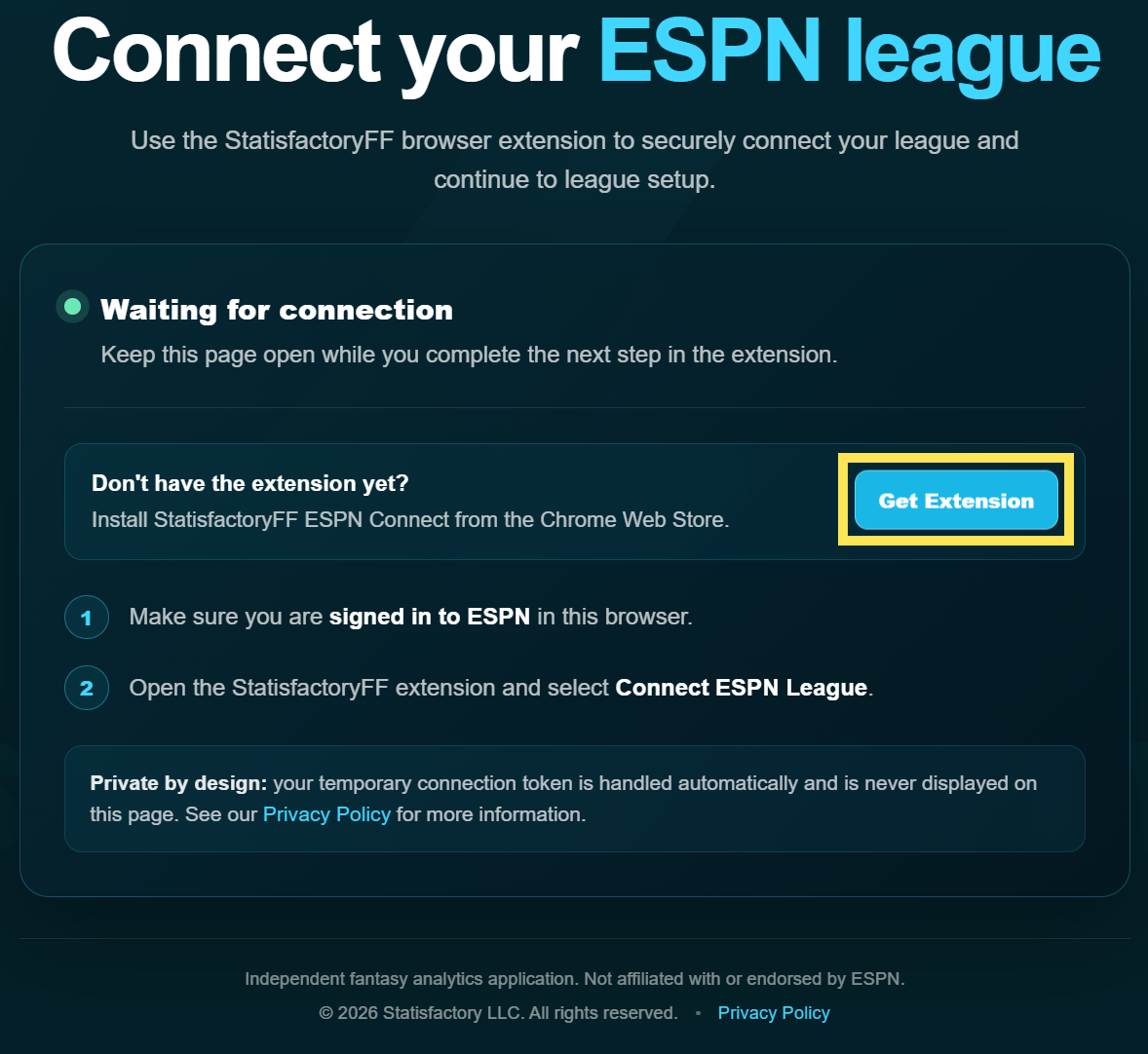
From StatisfactoryFF, select Connect Your League to open the ESPN connection page.
If you do not already have the StatisfactoryFF ESPN Connect extension installed, select Get Extension.
Connect your ESPN fantasy league to StatisfactoryFF in just a few steps. Follow the instructions below to install and use the StatisfactoryFF ESPN Connect extension, then add your league to your dashboard.
From StatisfactoryFF, select Connect Your League to open the ESPN connection page.
If you do not already have the StatisfactoryFF ESPN Connect extension installed, select Get Extension.
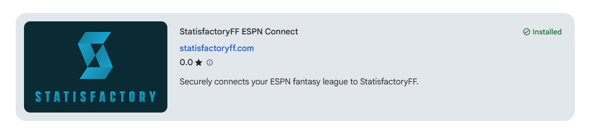
The Get Extension button will open the StatisfactoryFF ESPN Connect listing in the Chrome Web Store.
Select Add to Chrome to install the extension. Once it is installed, return to the StatisfactoryFF connection page.
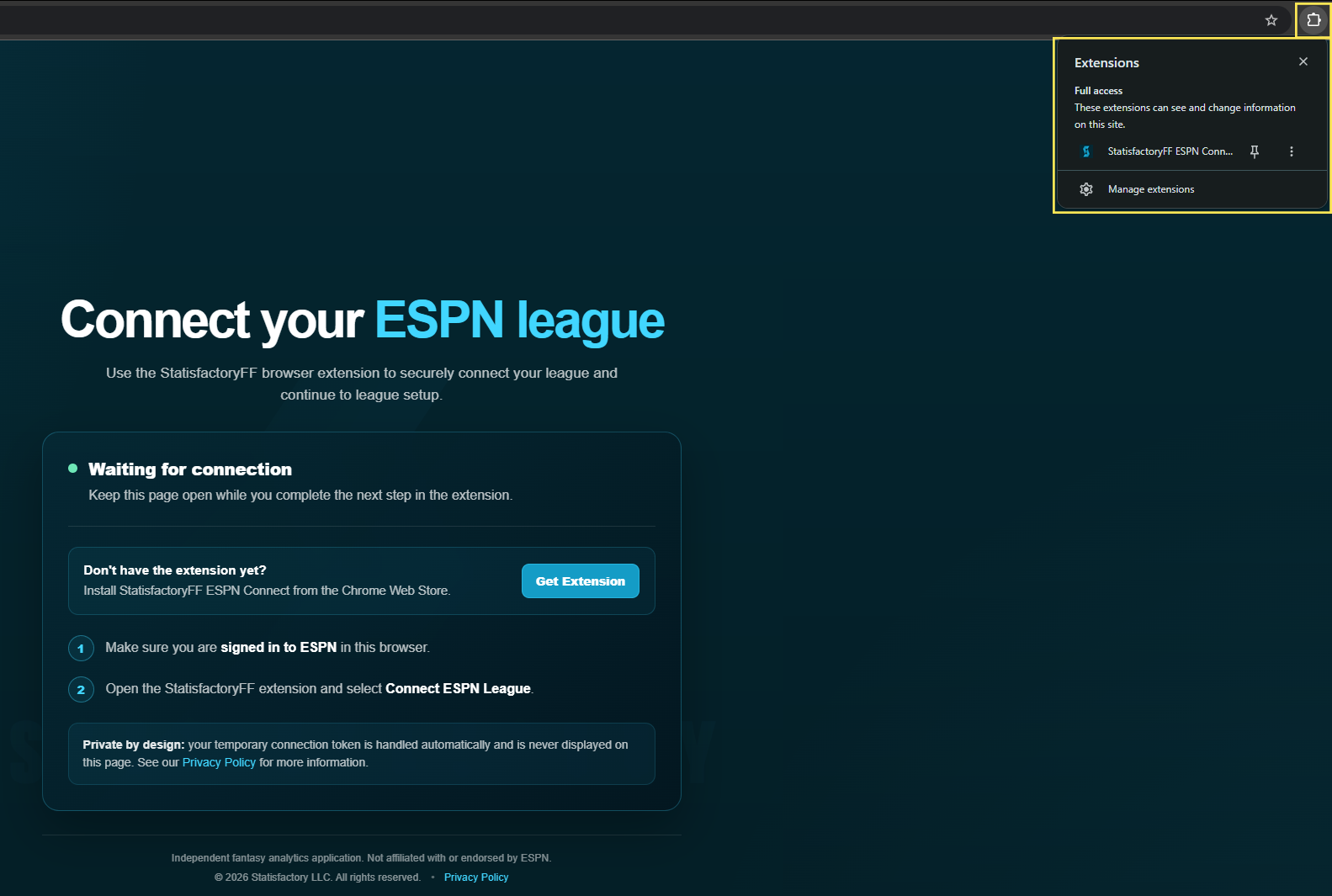
While the StatisfactoryFF connection page remains open, select the Extensions icon in the top-right corner of Google Chrome.
Then select StatisfactoryFF ESPN Connect from the extensions menu.
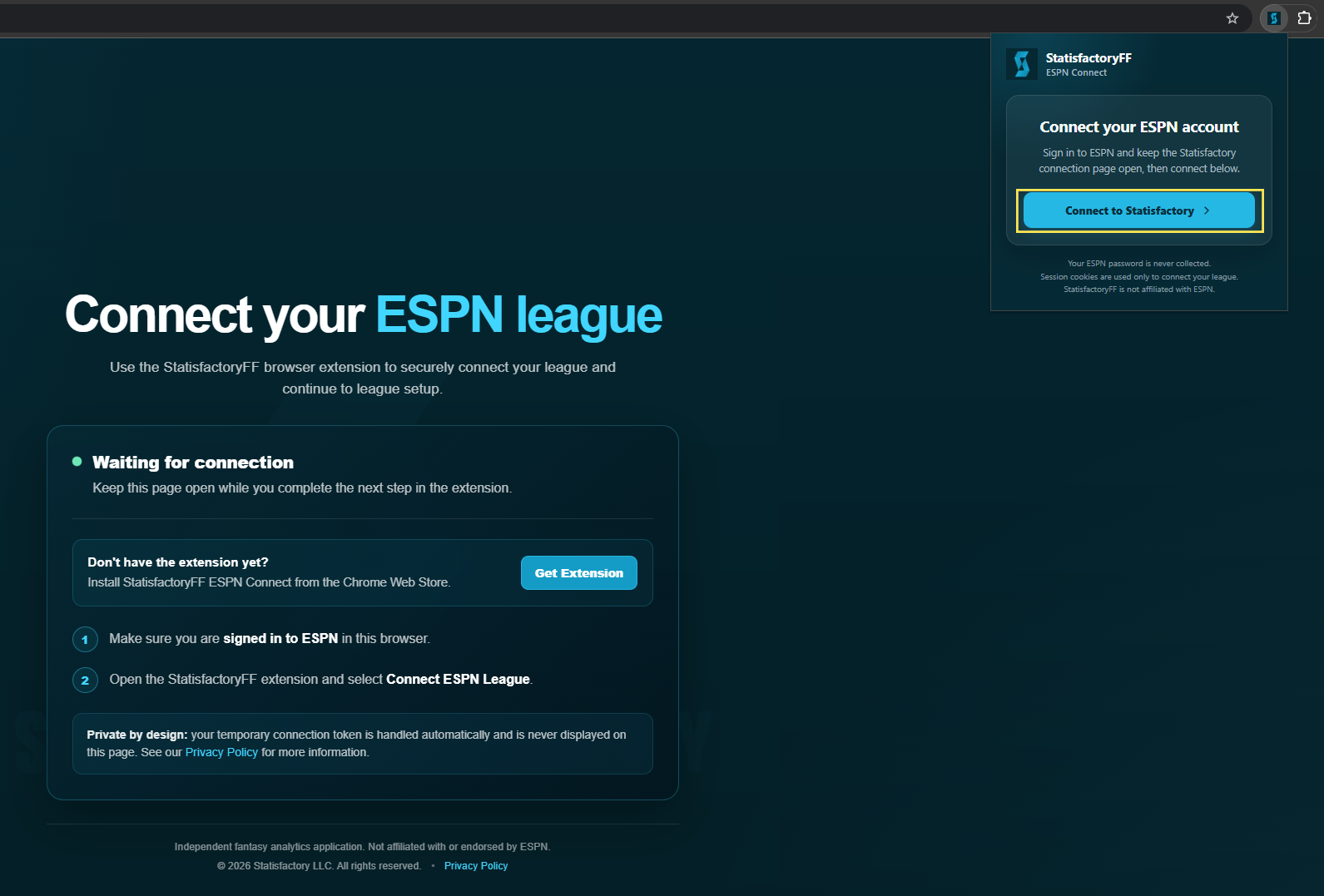
The StatisfactoryFF ESPN Connect extension will open.
Select Connect to Statisfactory to securely connect your ESPN session to StatisfactoryFF. Keep the StatisfactoryFF connection page open while this happens.
Open your fantasy league on ESPN and look at the URL in your browser.
Your League ID is the number immediately after leagueId=.
Copy this number — you will need it in the next step.

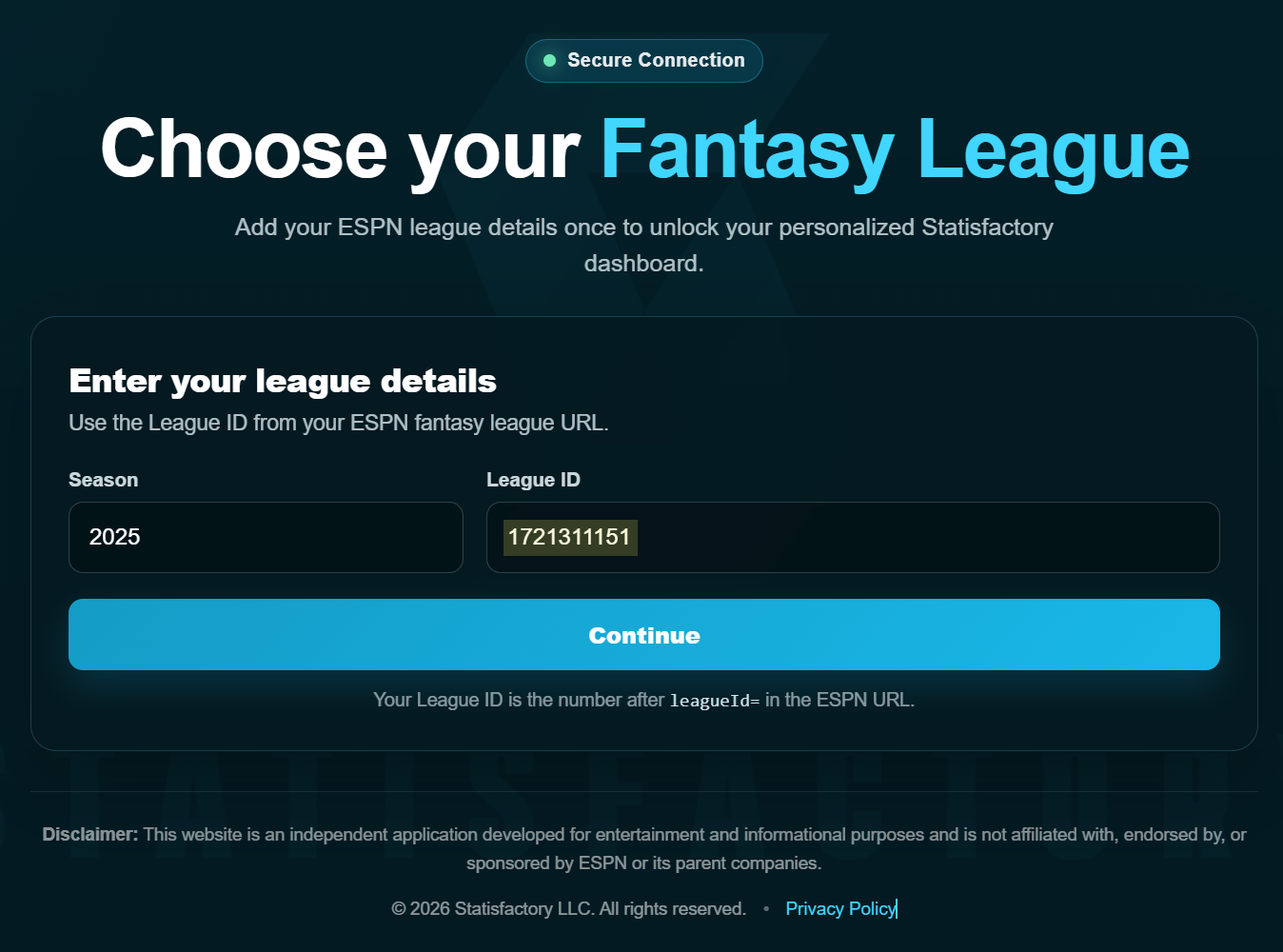
Return to the Choose Your Fantasy League page and enter your league details.
Then select Continue. StatisfactoryFF will load your league and take you to your fantasy analytics dashboard.
Your ESPN fantasy league is now connected to StatisfactoryFF. Explore your league summary, team reports, schedule simulations, head-to-head comparisons, and the rest of your fantasy analytics dashboard.
Questions or feedback? contact@statisfactoryff.com